
Pick a frame
Choose the composition and mood that fit today.
 XianNow
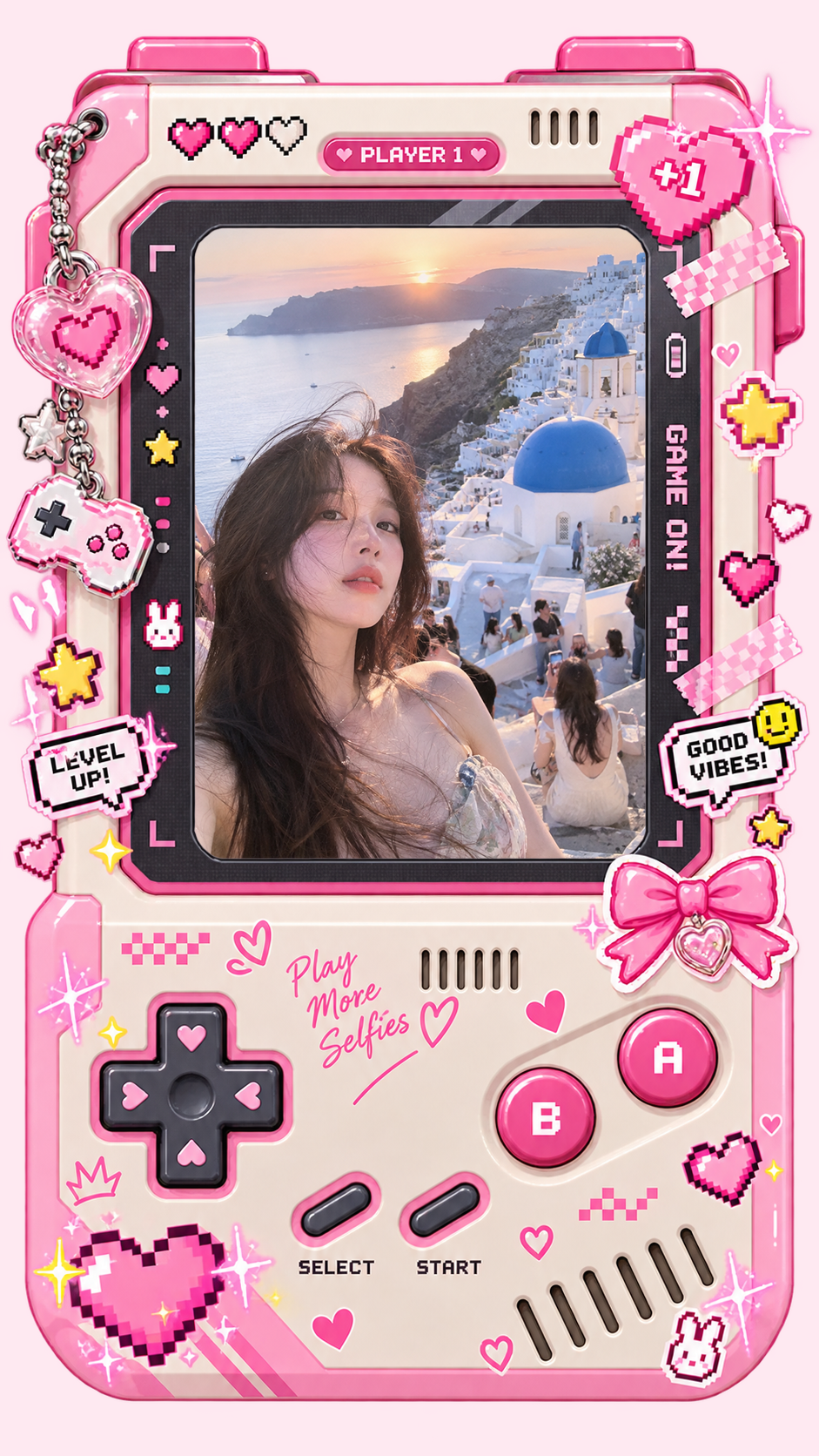
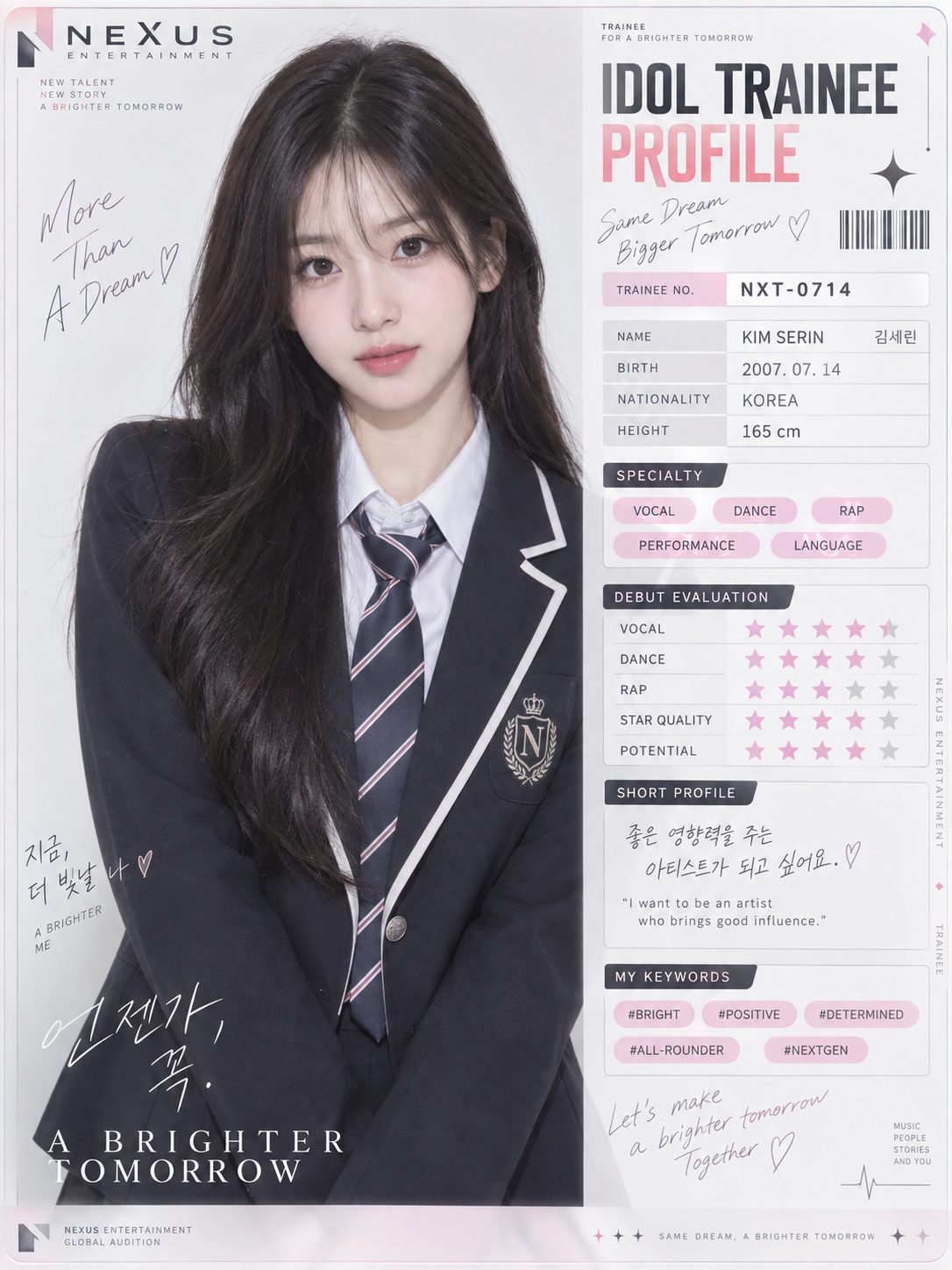
A visual demo of live camera preview, capturing a photo, creative frames, moods, and characters. Example imagery is AI-generated for illustration.
THE FRAME LIBRARY / 01
Each frame is a different way to tell a story. Choose one, lift your phone, and watch the live view fall straight into the design.
The images below are AI-generated visual examples, not real user submissions. Actual results vary by device and setting.
MADE TO BE MORE THAN A FILTER / 02
See how a frame shapes the live view before you shoot. A door crack, a handheld console, a profile card, or movie credits—every design has its own composition and personality.
See how it works
PICK / SHOOT / KEEP / 03
Choose the composition and mood that fit today.

Place the real scene inside your frame, then adjust text, effects, and filters.

Save the finished image to Photos and revisit it by date in your XianNow album.
COLOR YOUR DAY / 04
When you do not need another world—just light and color that feel more like you—start with a mood preset.


YOUR CHARACTER, YOUR FRAME / 05
Soft little Xiaoxian has some cool friends, too. Create or choose your own character, pick a look and pose, and bring it into a frame you love.
Create one in XianNow


A little personality. A lot to love.





THE ONE-EYED CLUB
Plush, glass, stone, metal…
A different texture. A different mood.


 Keep them
A LITTLE ARCHIVE OF NOW / 06
Browse your shoots by date in the XianNow album, open a monthly recap, or continue creating from an older photo.
Keep your memories on-deviceShooting history and personal characters stay on this device. Cross-device sync is not currently available.
GOOD TO KNOW / 07
XianNow is an iOS camera and creative app. Frames combine a viewfinder, foreground graphics, text, and filters so you can preview a different look while you shoot.
The current version has no XianNow account, cloud backup, or cross-device sync. Photos, personal frames, and characters are mainly managed on your device. See our Privacy Policy for details about weather and analytics data.
No. The photos and finished frame examples on this site are AI-generated visual examples, not real user submissions. Actual results vary with device, lighting, and settings.
Open the “XianNow” page in the app and choose “Feedback & Suggestions.” Tell us which screen you were on, what you did, and what you expected. Development builds do not automatically upload photos, location, or diagnostic logs.
ONE FRAME AT A TIME